 Free · No ads · No sign-in
Scan any code.
Keep it to yourself.
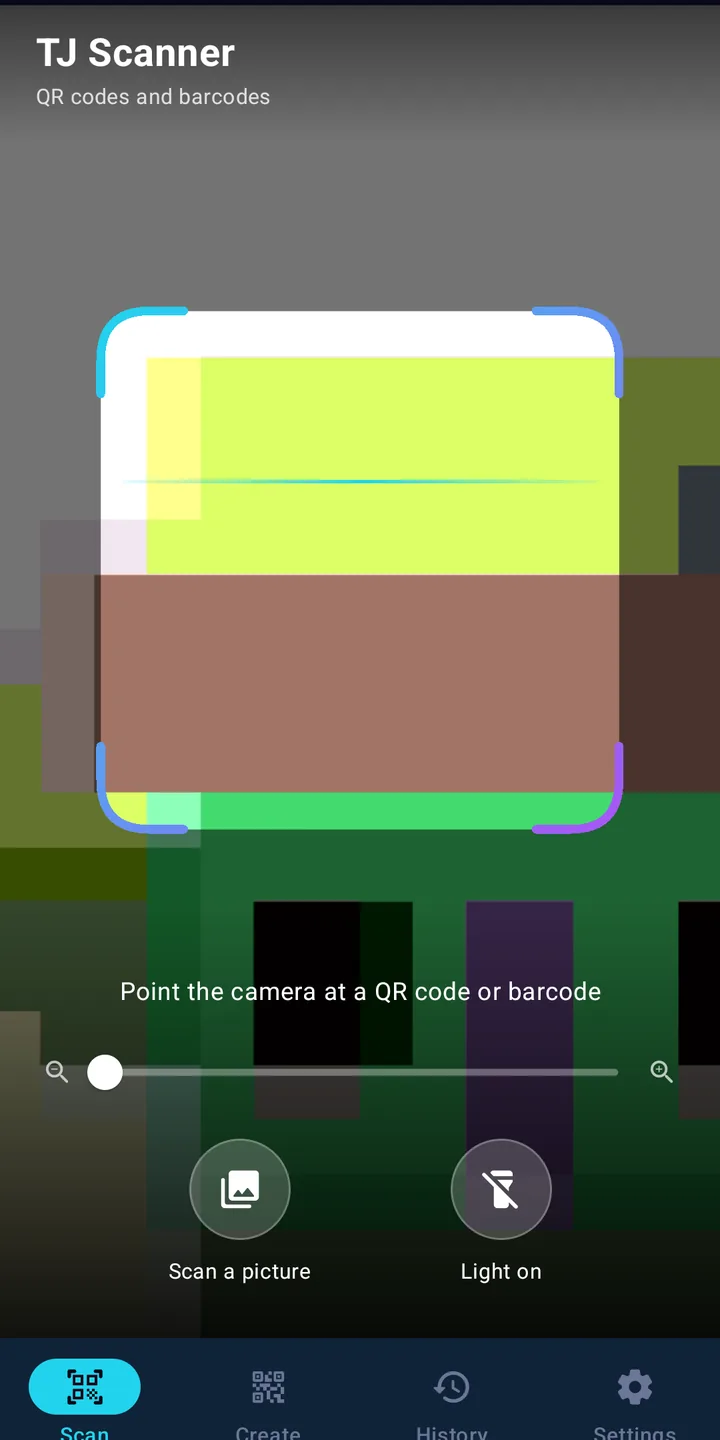
TJ Scanner reads QR codes and barcodes in a blink, right on your phone. Your scan history stays on your phone – nothing you scan is ever uploaded.
Everything a scanner should do. Nothing it shouldn't.
- Every common codeQR, Data Matrix, Aztec, PDF417, EAN, UPC, Code 128/39/93, Codabar, ITF and GS1 DataBar.
- Scan from a picturePick a screenshot or photo, or share an image to TJ Scanner from your gallery.
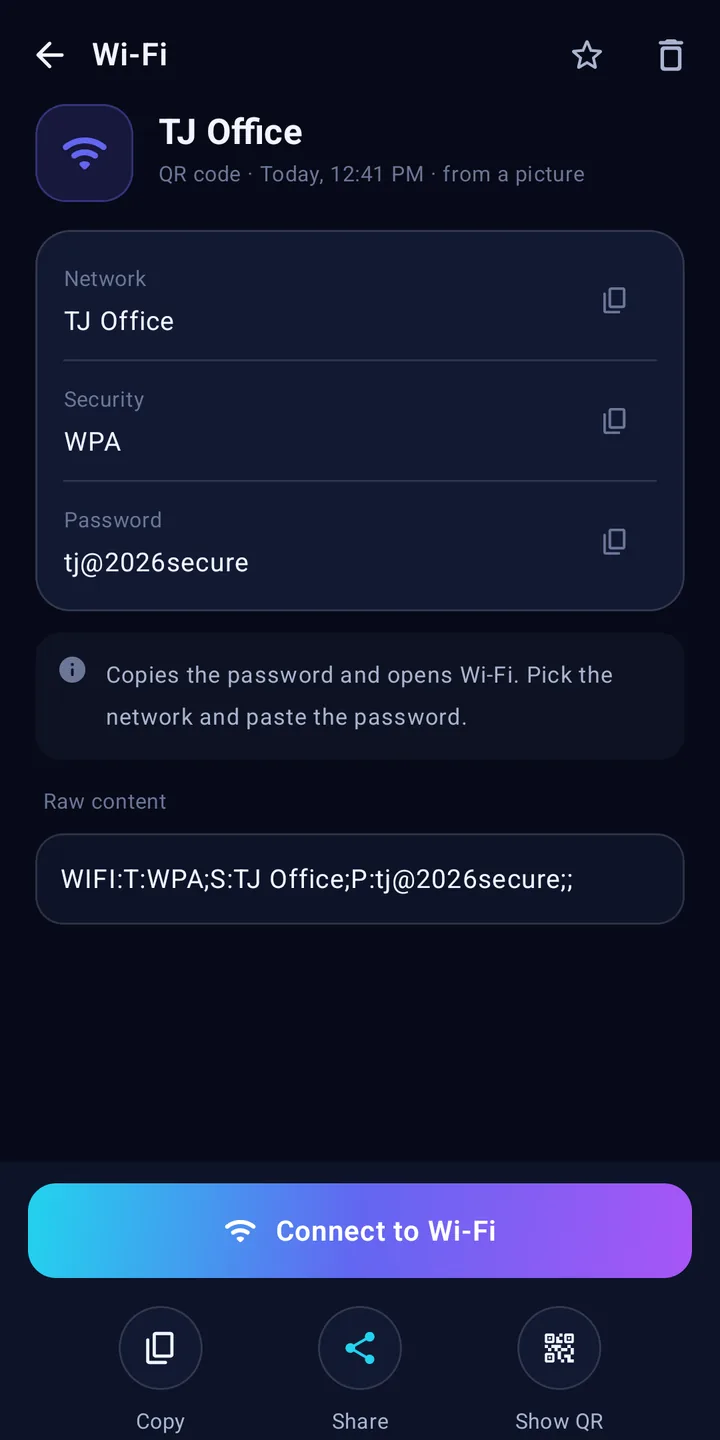
- Smart actionsOpen links, join Wi-Fi, call, email, SMS, add a contact or event, open maps, or hand a UPI code to your payment app.
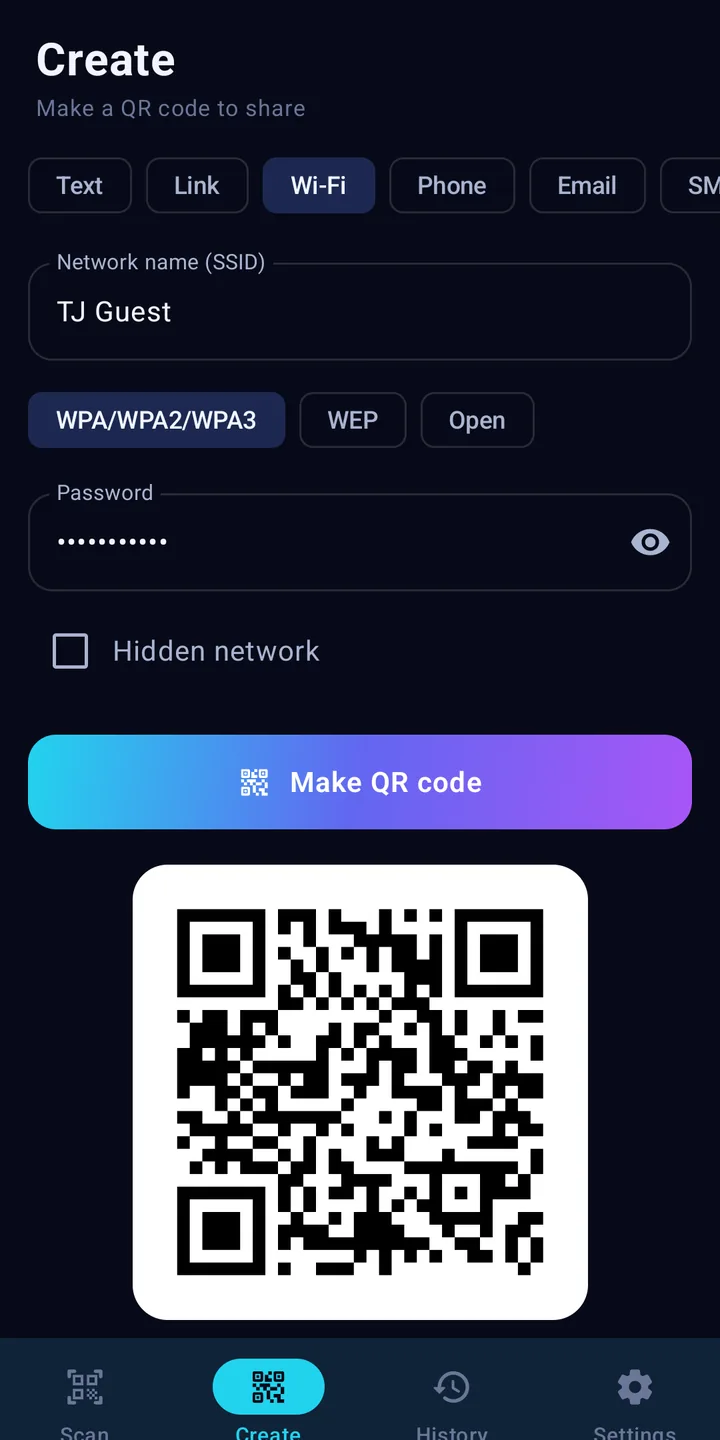
- Make QR codesText, links, Wi-Fi, phone, email and SMS. Share the picture or save it to your gallery.
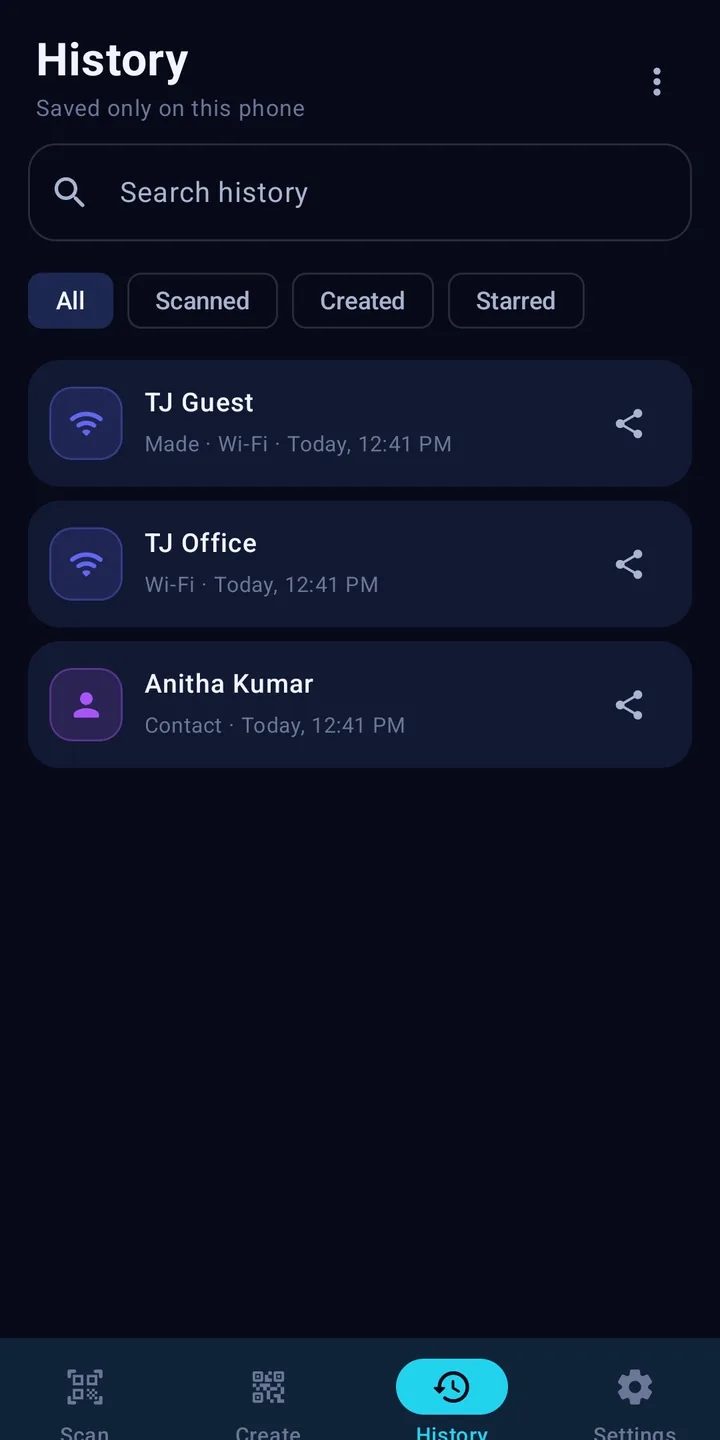
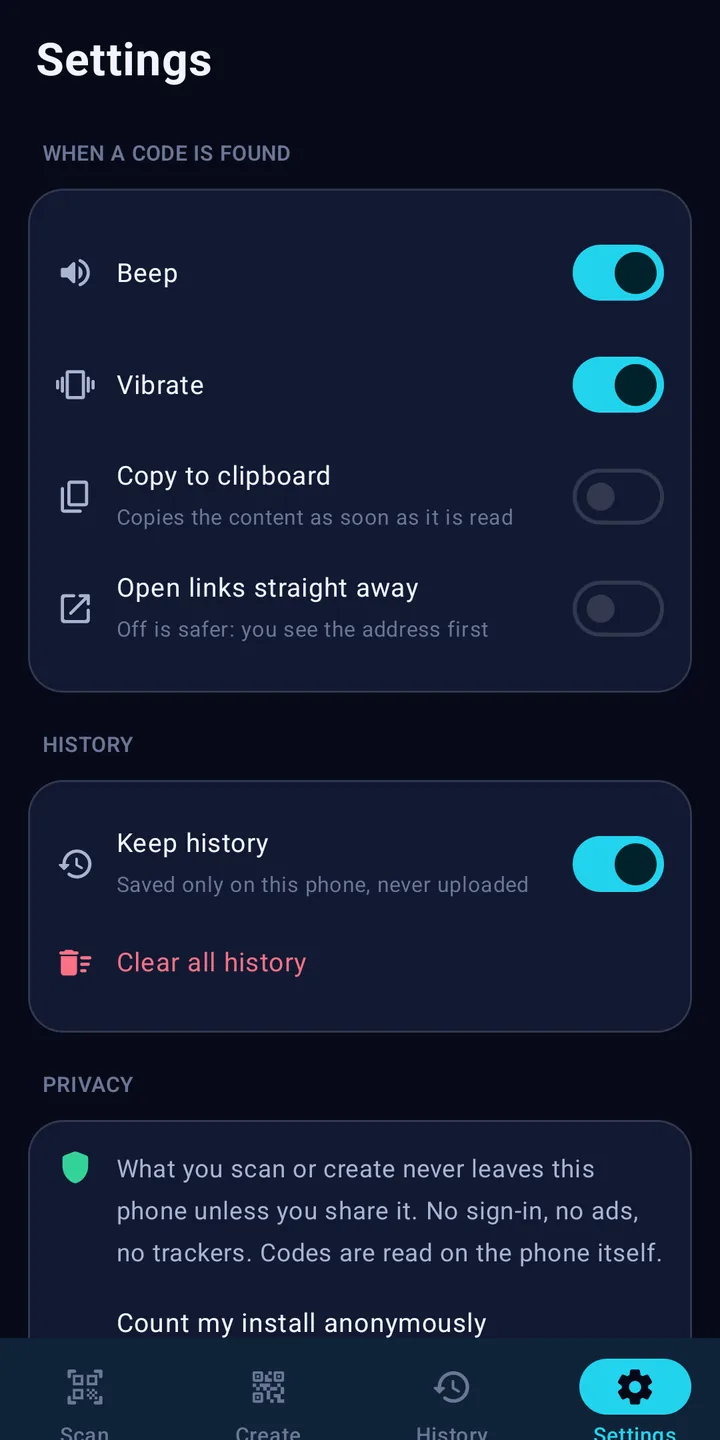
- History on your phoneSearch, star, share, delete one, delete several or clear all. Or switch history off.
- Torch, zoom, tap to focusReads small and dark codes, white-on-black codes and barcodes held sideways.
Private by design
Codes are decoded on the phone by the open-source ZXing library. No Google Play services, no ads, no trackers, no account.
- What you scan or create never leaves your phone unless you share it.
- History is kept in the app's private storage and left out of cloud backups.
- The only thing sent: a once-a-day anonymous count (random install number, app version, Android version). Switch it off in Settings.
- Camera is used only while the Scan tab is open. Nothing is recorded.
A look inside
Questions
Is TJ Scanner free?
Yes. TJ Scanner is free, with no ads, no sign-up and no in-app purchases.
Does TJ Scanner upload what I scan?
No. Codes are read on your phone and your history is kept only on your phone. Nothing you scan or create is sent to us. The only thing the app sends is an anonymous once-a-day count (a random install number, the app version and the Android version) so we know how many people use it — and you can switch that off in Settings.
Which codes can it read?
QR codes, Data Matrix, Aztec, PDF417, EAN-13, EAN-8, UPC-A, UPC-E, Code 128, Code 39, Code 93, Codabar, ITF and GS1 DataBar.
Can I scan a code from a screenshot or photo?
Yes. Tap "Scan a picture" and choose an image, or share a picture to TJ Scanner from your gallery.
Can I delete my history?
Yes. Delete one scan, select several, or clear everything from History or Settings. You can also turn history off completely.
Is it safe to open links from QR codes?
TJ Scanner always shows you the full address first and warns about links that are not secure. Links are never opened by themselves unless you turn that on in Settings. For UPI codes it shows the payee and amount, then hands over to your own UPI app, where you check and approve the payment. TJ Scanner never makes payments.
How do I install the APK?
Tap Download, open the downloaded file and allow "Install unknown apps" for your browser when Android asks, then tap Install. TJ Scanner will be on Google Play soon.
Which phones can use it?
Any Android phone with Android 8.0 or newer and a camera.
APK SHA-256: bc36c584a62cfa080ce3af3e5044546fa0dd24bb224b0dc11e94ffdc05c72ca9